Virtual Learning
Held on May 21, 2025
Webinar: Turning Screens into Engagement Tools with uniFi+
Watch the recorded session and see how uniFi+ helps you turn every screen into a dynamic tool for connection.
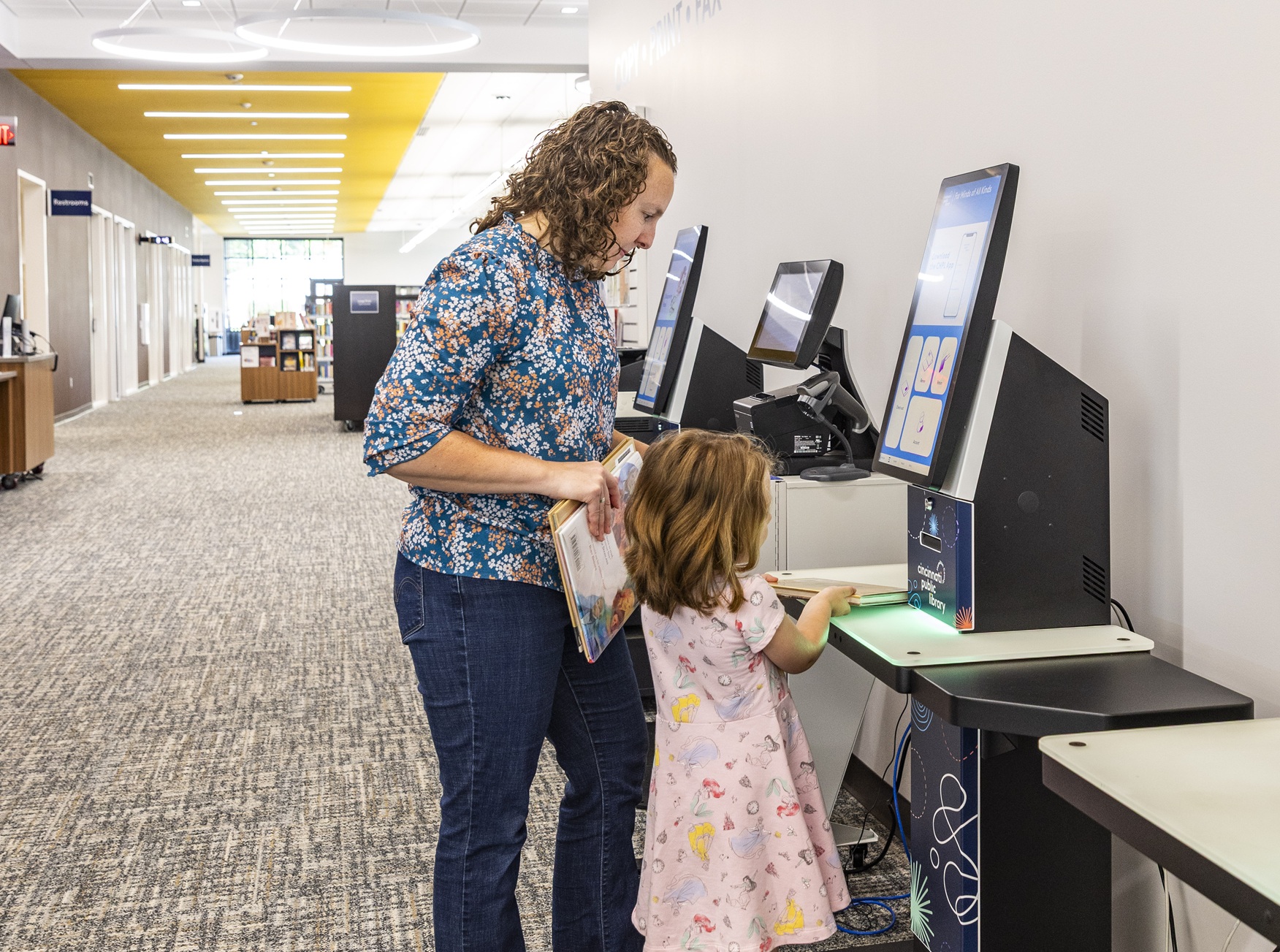
Your library already has screens—on selfChecks, OPACs, public PCs, remoteLockers. What if those screens could do more than sit idle?
Watch our recorded training session to discover how uniFi+, Bibliotheca’s cloud-based content platform, turns every screen into a powerful tool for connection. Whether you want to display promotions, guide patrons with interactive wayfinding, or schedule content that appears when devices go idle, uniFi+ makes it simple.
What you’ll learn:
– Use Display, Idle, Activ, and Embed to create consistent experiences across all devices
– Create new content or upload existing images and videos using the content editor
– Add interactive elements like polls, quizzes, and maps
– Schedule campaigns, organize content, and manage everything from one intuitive dashboard
We’ll walk through the platform step by step and show real examples in action—plus tips for customizing it all to fit your library’s needs.
SPEAKERS
You may also Like
Insights + Trends

RFID in Libraries: What It Is and What It Changes
Learn what RFID tags contain, what it takes to convert a collection, and what libraries should consider for checkout, security, and inventory.

Customer Training | Bibliotheca Academy: Unlocking the Full Potential of your Bibliotheca Products
Discover Bibliotheca Academy, our new Learning Management System designed to help library teams access training, build product knowledge, and get more from their Bibliotheca solutions.

Making Life Easy with flex bookDrop, flexAMH, selfChecks, and RFID: Brighton District Library
An RFID tagging requirement became an opportunity to speed up returns, simplify checkout, and give staff more time with patrons.