
Artificial intelligence is becoming part of everyday library operations.
For many, that raises familiar questions. What is it, really? Where does it fit? And how can libraries use it without losing the human connection that defines their work?
To explore those questions, Bibliotheca hosted AI in Libraries: Get the Scoop, Beat the Fear, Make it Work for You (and Your Patrons), drawing a record audience for a Bibliotheca webinar.
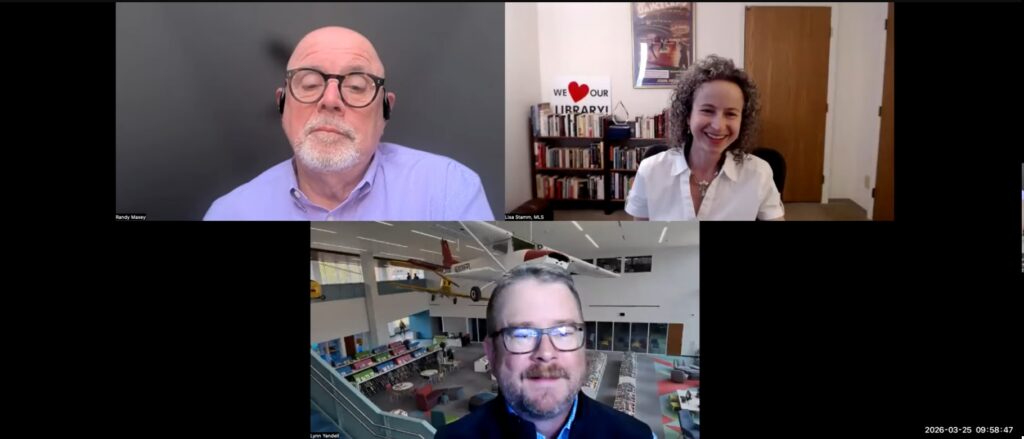
The session brought together members of Bibliotheca’s Solution Consulting team, including Lisa Stamm, Lynn Yandell, and Randy Maxey, who shared examples grounded in real library workflows.
Here’s a look at the ideas and examples that stood out.
What AI Actually Means
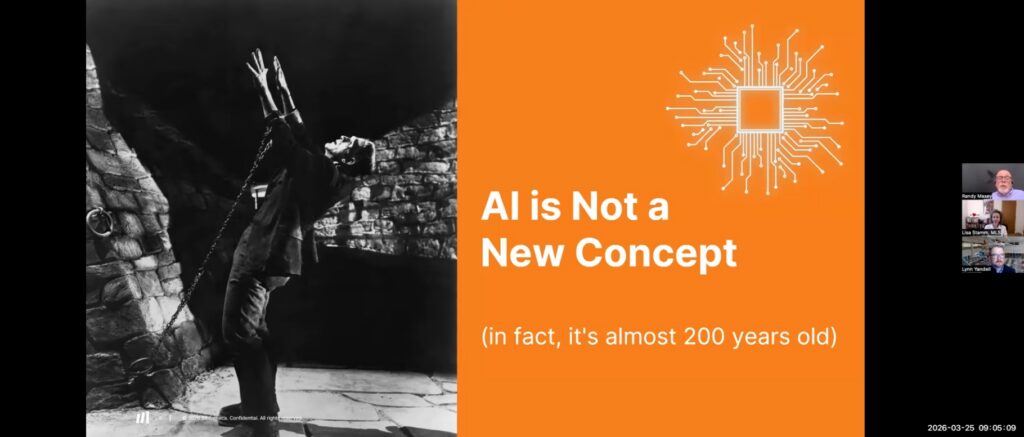
Before getting into applications, the session started with a working definition: AI is technology that learns from data and performs tasks that typically require human intelligence.
Many library staff are already using tools that fit that description, even if they do not think of them as AI. Recommendation engines, translation tools, and automated notifications are all familiar examples.
These developments are part of a longer trajectory of library automation, explored in more detail in our analysis of how AI has evolved in libraries.
What has changed is access. Tools that once required technical expertise are now available in a browser, often with little to no setup.
The session introduced AI as a set of tools already embedded in library systems, rather than a single emerging technology.
The AI Landscape
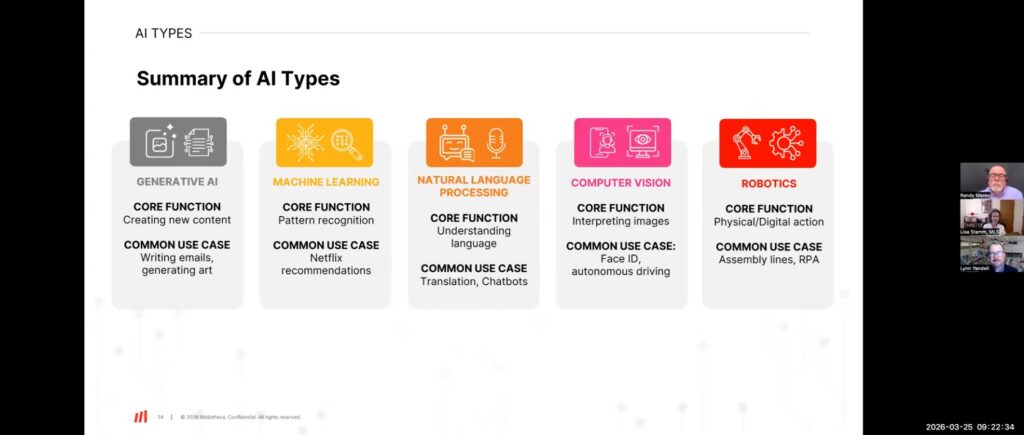
The session outlined the types of AI most people already encounter in everyday tools.
Natural language processing sits behind chatbots, translation tools, and text assistants. Computer vision interprets images and video. Machine learning identifies patterns and powers recommendation systems. Predictive models focus on forecasting outcomes. Generative tools create new content, from text to images.
For library staff, knowing the categories is less about technical depth and more about being able to describe what a given tool is actually doing, which helps when the conversation comes up with patrons or colleagues.
From discovery tools to operational analytics, AI is already shaping how libraries manage services and engage patrons.
Addressing the Fear
The session addressed the concern around AI directly. One point that came up early: choosing not to engage with it does not limit its impact. It only limits the library’s ability to help patrons understand and navigate it.
The team also pushed back on the replacement narrative. The examples shown, such as drafting social media posts, generating bibliographies, organizing schedules, preparing reports, all still require staff to review, adjust, and apply judgment.
AI is a tool that produces a starting point. What happens next is still the librarian’s work. The CRAAP evaluation method came up as a natural bridge. The same criteria library staff already use to evaluate sources, currency, relevance, authority, accuracy, and purpose, apply just as well to AI-generated content. The underlying skill set is already familiar to library staff.
Speakers emphasized that AI works alongside staff, supporting decisions rather than replacing professional judgment.
What Libraries Told Us
During the session, attendees were asked a few quick questions about how AI is showing up in their own libraries. The responses offer a useful snapshot of where things stand today.
Most respondents described themselves as either exploring AI or already using it with some confidence, while a smaller portion said they were still uncomfortable with the technology. Only a very small percentage identified as advanced users.
When it comes to policy, the picture is still evolving. A majority of libraries either do not yet have formal AI guidelines in place or are still in the process of developing them.
The response reflected a clear interest in the topic, with more than 85% of attendees rating the session a 4 or 5 out of 5.
76%
Exploring or using AI
75%+
No formal AI policies in place
85%+
Rated the session 4 or 5
Prompting Makes the Difference
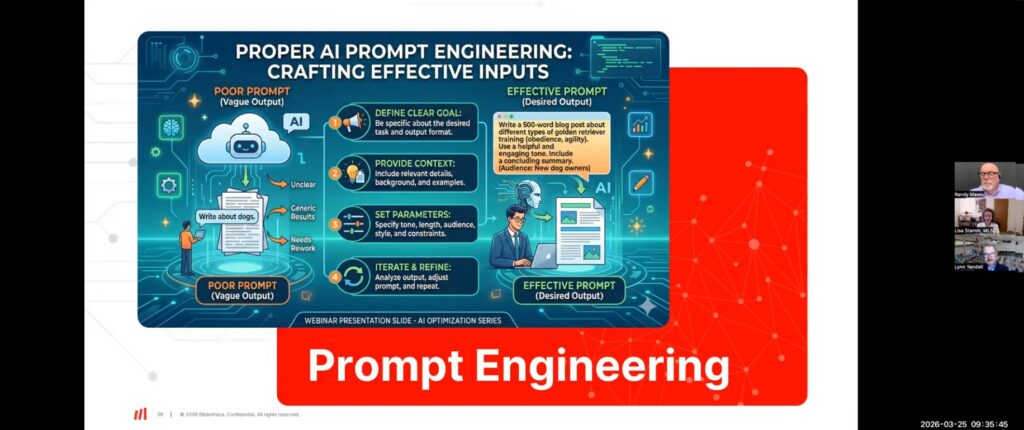
How a request is written determines what comes back.
A prompt like “write a post about a library event” produces something generic. The same request with audience, tone, platform, and any relevant constraints produces something much closer to usable.
The extra time spent building the prompt reduces the time spent editing the result.
Clear, structured prompts were highlighted as a key factor in producing useful and reliable outputs.
AI for Library Marketing
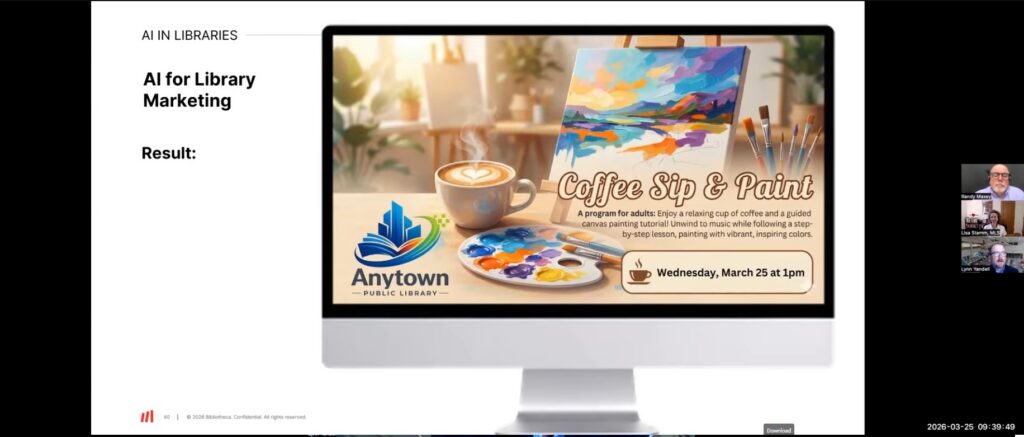
The session demonstrated the difference with a side-by-side comparison using a library event graphic.
A basic prompt produced three serviceable but generic versions of a promotional image. A second prompt, which included the event name, target audience, a description of the experience, the library’s logo, a photorealistic style, and exact dimensions, produced a polished, print-ready asset.
Same event. Same tool. Different input, different result.
Libraries are beginning to use AI to draft content, refine messaging, and adapt communications across channels.
Reports and Data Analysis
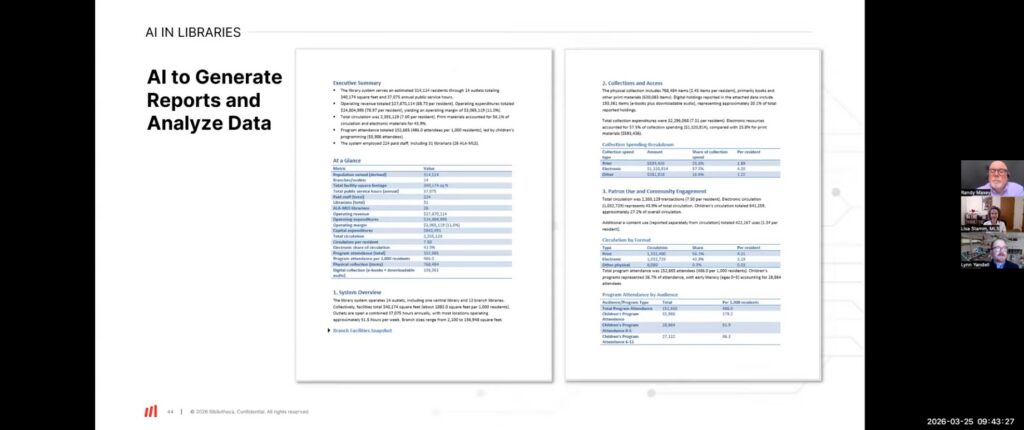
One of the most striking demonstrations of the session involved a Board of Trustees report.
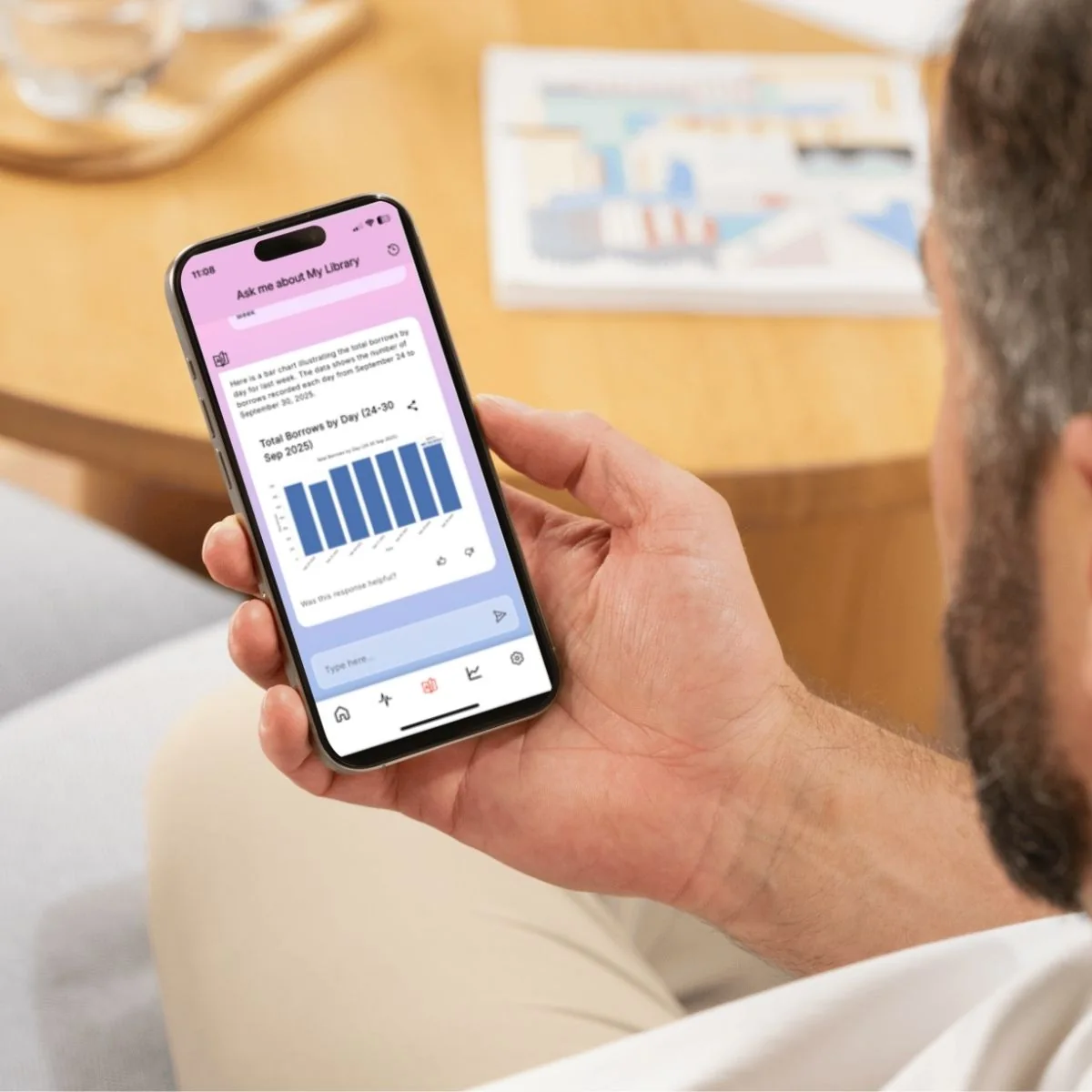
The prompt attached several Excel spreadsheets covering circulation by branch, staffing, facilities, operating revenue, and program attendance. The AI returned a structured draft with an executive summary, an at-a-glance table, and narrative sections for each area.
The output included 2.3 million total transactions, a $3 million operating margin, and 152,000 program attendees. None of it was final. But for a report that would otherwise take days to assemble, having a structured first draft in minutes changes where the work begins.
AI can quickly organize large datasets, helping staff identify patterns and generate reports with greater efficiency.
AI as a Knowledgebase
The session showed how libraries can build a custom AI tool trained by their own documents and nothing else whatsoever, so that all data (and corresponding answers) are solely from library-created or library-sourced documents, such as library policies.
The example used was a policy assistant built on uploaded PDFs. A user types a question, and the tool returns an answer sourced directly from those materials, with the relevant section cited.
The setup requires no coding. For library systems managing complex borrowing policies, branch-specific procedures, or high volumes of routine questions, it is a way to give patrons faster answers without adding to staff workload.
Watch the Full Session
The webinar goes deeper on each of these areas, with live demonstrations and Q&A from the panel.
To connect with the Bibliotheca Solution Consulting team, visit: https://info.bibliotheca.com/bibliotheca-solution-consulting
Fill out the form below to get access to the recording.
Spread the Word
You may also Like
Insights + Trends

Webinar: Building Community Groups to Stand Against Book Challenges and Support Local Librarians
Learn from PEN America and Texas Freedom to Read Project how to engage your community and support librarians under pressure.

Partner Summit ON AIR 2026: Tuning into the Future of Library Innovation
Tuning into the future: Discover the Partner Summit ON AIR 2026 in Barcelona, where EMEA & LATAM partners united to broadcast a new era of library innovation.

quickConnect Beyond Self-Checkout
Explore how quickConnect goes beyond self-checkout, with tools for personalization, promotion, and operational control across the library.